
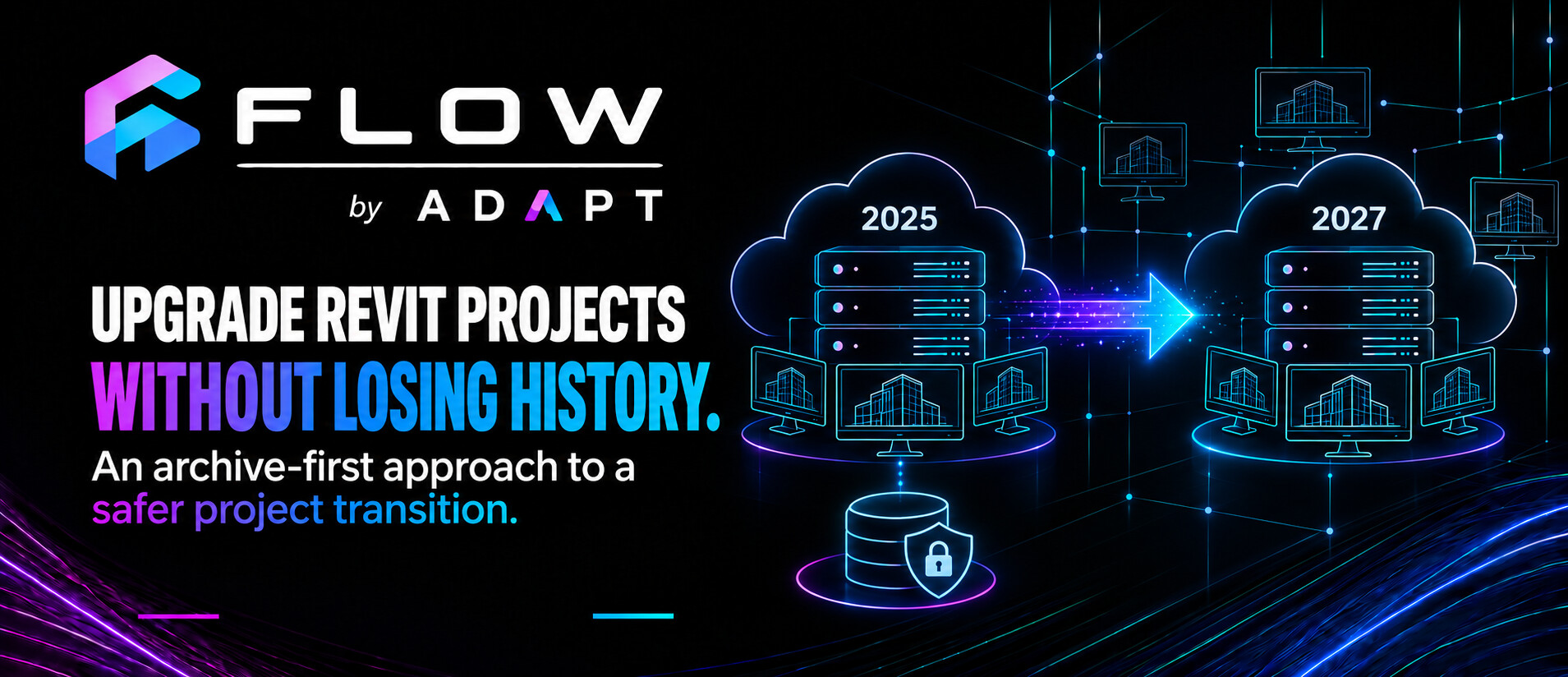
Moving a Revit project to a newer release is often described as though it were a file conversion: open the model in the new version, allow Revit to upgrade it and save the result.
That description is reasonable for a single model. It is much less complete when the project is workshared through Revit Server, contains several linked models and needs to remain accessible to a team throughout its working life.
In that situation, the task is not simply to upgrade a file. It is to move a coordinated project from one Revit environment to another while preserving a reliable record of what existed before the change.
That is the problem behind the upgrade workflow in Flow Server.
Why a server project needs a different approach
A live Revit Server project has more context than a standalone model. It belongs to a particular server version, sits within an established project structure and may depend on several other central models. Users may have local copies associated with the existing central model, and the current server location may be part of office documentation and established working habits.
Revit models are also forward-compatible rather than backward-compatible. Once a model has been upgraded and saved in a newer release, it cannot simply be reopened in the earlier version.
That makes the original project state important. If an upgrade encounters a problem—or if something is discovered after the new project has entered use—the practice needs to know that the previous version was preserved deliberately rather than overwritten during the process.
Our approach is therefore archive-first.
Before changing the project, preserve the project state that already exists.
Preserve before changing
Before Flow Server upgrades a project, it first creates a local archive of the source models using their existing Revit version.
For example, a Revit 2025 server project intended for Revit 2027 is first opened and archived through Revit 2025. Only after the archive results have been returned and verified do those local copies become the source for the Revit 2027 upgrade.
This creates a clear separation between three project states:
- the original live project on the earlier Revit Server;
- the preserved archive produced in the original Revit version; and
- the new working project prepared for the later Revit Server.
That separation is valuable. The upgrade process does not need to experiment directly on the only authoritative copy of the project. If a model fails, the original remains available and the successful archive results can be inspected without pretending that the complete project is ready to move forward.
Archiving is therefore not an optional extra added to the upgrade workflow. It is the safety boundary that makes controlled automation possible.
Treating linked models as one upgrade set
The next challenge is coordination.
A project may have a main architectural model, a topographical model and one or more linked building models. Although Revit stores these as separate models, the practice uses them as a connected project set.
Upgrading only the main model can leave it pointing towards links that remain in the previous Revit version. Upgrading each model independently without a shared plan can produce uncertain paths, mismatched results or an incomplete destination project.
Flow Server therefore represents the process as a queue of related model jobs. The workflow moves through defined stages:
- ready to archive;
- archiving;
- ready to upgrade;
- upgrading; and
- completed or requiring attention.
Each model retains its own result, but the project cannot be considered successfully prepared merely because one model completed. The state of the full upgrade set matters.
This is one reason the archive and upgrade stages remain deliberately separate. Flow Server can review the archive results, identify which models are safe to advance and stop the coordinated sequence when an essential member of the set has failed.
Revit still performs the model operation
As with archiving, Flow Server is responsible for coordination rather than attempting to rewrite Revit model files itself.
The desktop application prepares an upgrade request and launches the target Revit release. A version-specific Flow worker running within Revit opens the archived source model, allows Revit to perform its native upgrade and prepares the resulting model for the next stage.
This worker-based design respects Revit’s own model-handling process and allows the main Flow Server application to remain outside Revit while still coordinating work across several releases.
It also introduces important responsibilities. The correct worker must be installed for each supported Revit version, the workstation needs the relevant Revit applications, and a failure to load the worker must be distinguishable from a problem within the model itself.
These details became particularly important when Flow Server was deployed beyond the development workstation. Installation and testing across different machines exposed assumptions that were easy to overlook when everything was already configured locally.
Putting the workflow through a real upgrade
The most useful test is not whether the interface can move jobs through a queue. It is whether a complete practice project can pass through the process and return as a usable coordinated project.
We have now used Flow Server to upgrade a Revit Server project from Revit 2025 to Revit 2027. The source models were archived through the original version, advanced through the upgrade workflow and returned to the Revit 2027 server environment successfully.
That result does not mean every future project will be identical. Older projects accumulate unusual links, obsolete paths and standards that no longer match current practice. It does, however, demonstrate that the archive-first sequence works as a complete process rather than only as a collection of isolated development functions.
The successful result is not merely a newer model. It is a newer working project with a preserved and identifiable predecessor.
Returning the project to Revit Server
Successfully opening a model in the newer version is not the end of the workflow. The upgraded project needs to return to the appropriate Revit Server environment with its central-model structure restored.
The complete sequence is:
- archive the source project through its original Revit version;
- verify the archive results;
- upgrade the archived models through the target Revit version;
- validate the upgraded set;
- save the new central models to the newer Revit Server; and
- clearly retire or relocate the original server project.
The final step is important. Leaving two projects with nearly identical names in active server locations creates avoidable uncertainty. Users need to know which project is current and which one is historical.
The earlier server project should be moved into a clearly identified archive area only after the newer project has passed its required checks. Until that point, the original remains the authoritative working version.
Upgrade success is more than a saved file
A model can open and save successfully yet still require review.
Revit may report warnings generated by the version change. Links may need to be reloaded or repathed. Worksets, external references and model behaviour need to be checked. A technically successful upgrade does not remove the need for project-level validation.
Flow Server records the mechanical outcome of each job and presents the coordinated project state. It can prevent a known failure from being hidden inside a long batch process. It cannot decide whether every change within the upgraded model is acceptable from an architectural or documentation perspective.
The workflow therefore distinguishes between processing and validation. Automation can prepare the upgraded project, but a responsible user must still review it before the new server version becomes the team’s live working environment.
Automation can prepare the upgraded project, but it should not replace the review that makes the project safe to use.
Designing for failure and recovery
Batch operations are often demonstrated as smooth sequences in which every item completes. Real projects are less cooperative.
One model may contain a link to a user’s desktop. Another may have been created under an older office standard. A target Revit installation may be missing a required Flow worker, or the application may encounter a dialogue that prevents unattended progress.
A useful upgrade system needs to expect partial failure.
That means retaining the status of each job, supporting cancellation, recording useful messages and allowing the workflow to resume from a known state. It should not discard successful work merely because another model failed, but nor should it label the whole project complete when the coordinated set is incomplete.
Testing on ordinary practice projects remains more valuable than relying only on clean development models. Their irregularities reveal where assumptions are hidden and where the workflow needs a clearer decision point.
Preserving continuity, not just converting models
The deeper purpose of the upgrade workflow is continuity.
The practice needs to know where the project came from, which models formed the source set, where the pre-upgrade archive was stored, which Revit versions performed the operations and whether the new server project was verified before the previous one was retired.
Over time, this information could become part of a broader project record shared between Flow Server and Flow Project Setup. Project identity, model roles, template provenance, server location and upgrade history could be connected rather than maintained as separate pieces of informal knowledge.
That is a longer-term direction. The current achievement is more focused: the archive and upgrade sequence can now carry a coordinated project between Revit Server generations while keeping its predecessor intact.
A controlled transition between project generations
Upgrading a Revit Server project should not mean sacrificing the clarity of its history.
By archiving first, treating linked models as a coordinated set, using Revit itself for the model operations and delaying the retirement of the original project until the new one has been checked, the transition becomes more controlled and recoverable.
Flow Server organises that sequence and makes its state visible. It will not remove every exception, nor should it replace the validation that belongs to the people responsible for the project.
Its value lies in creating a safer structure around a process that is otherwise easy to manage informally and difficult to audit afterwards.
The result is not merely a set of newer Revit files. It is a new working project with a clear origin, a preserved predecessor and an upgrade history that the practice can understand.
Explore the complete Flow Server development series
Read part 1: Making Revit Server Work Better for a Small Practice →
Read part 2: What It Takes to Archive a Revit Project Safely →
Want to explore the workflow in more detail?