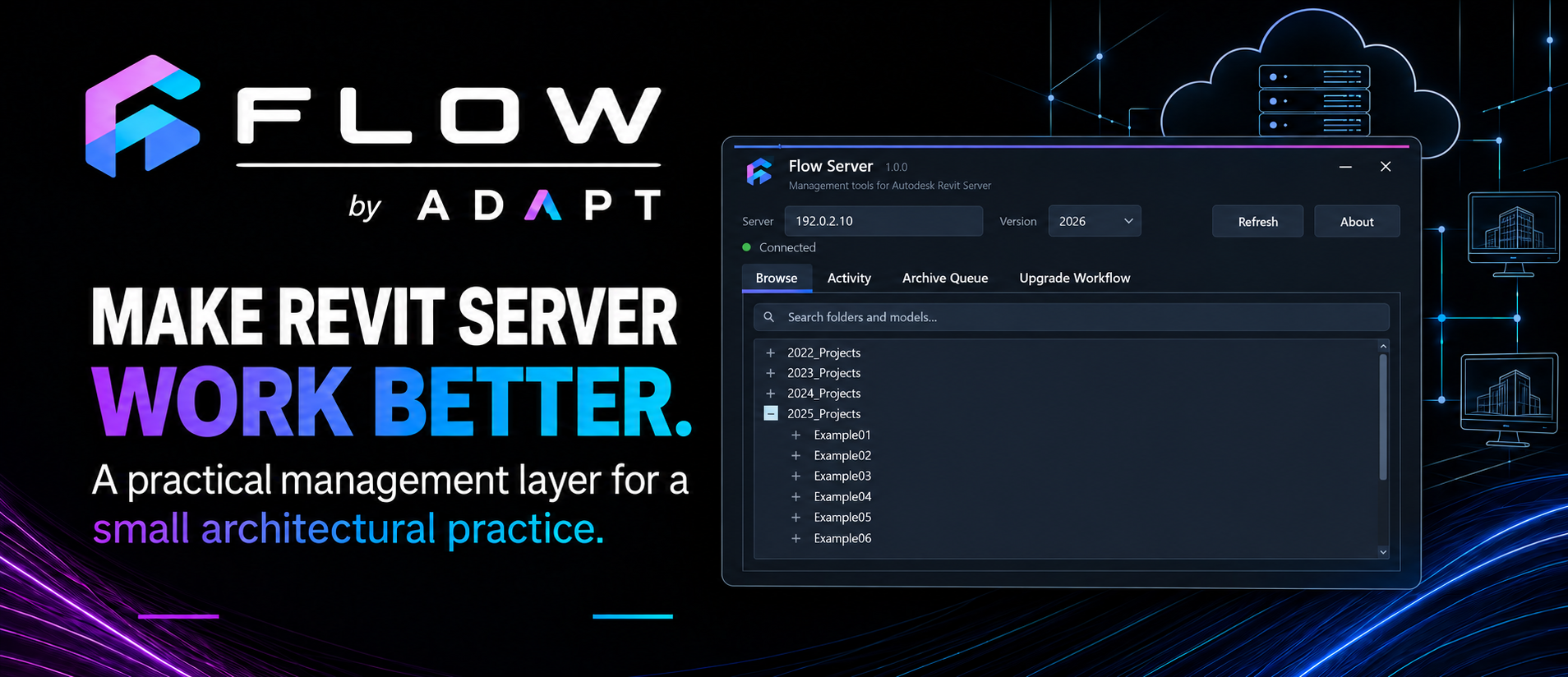
Flow Server
Browse and administer Autodesk Revit Server content, review activity, manage archives and coordinate project upgrades.
Learn more
FLOW TOOLS
Flow is a growing collection of Revit tools and applications developed around real architectural workflows — reducing repetitive tasks, improving consistency and making common processes easier to manage.
APPLICATIONS
Standalone applications for administering shared project infrastructure and supporting wider practice workflows.
Browse and administer Autodesk Revit Server content, review activity, manage archives and coordinate project upgrades.
Learn morePROJECT & WORKSPACE
Tools for setting up projects, managing your workspace and getting to the commands and controls you use most often.
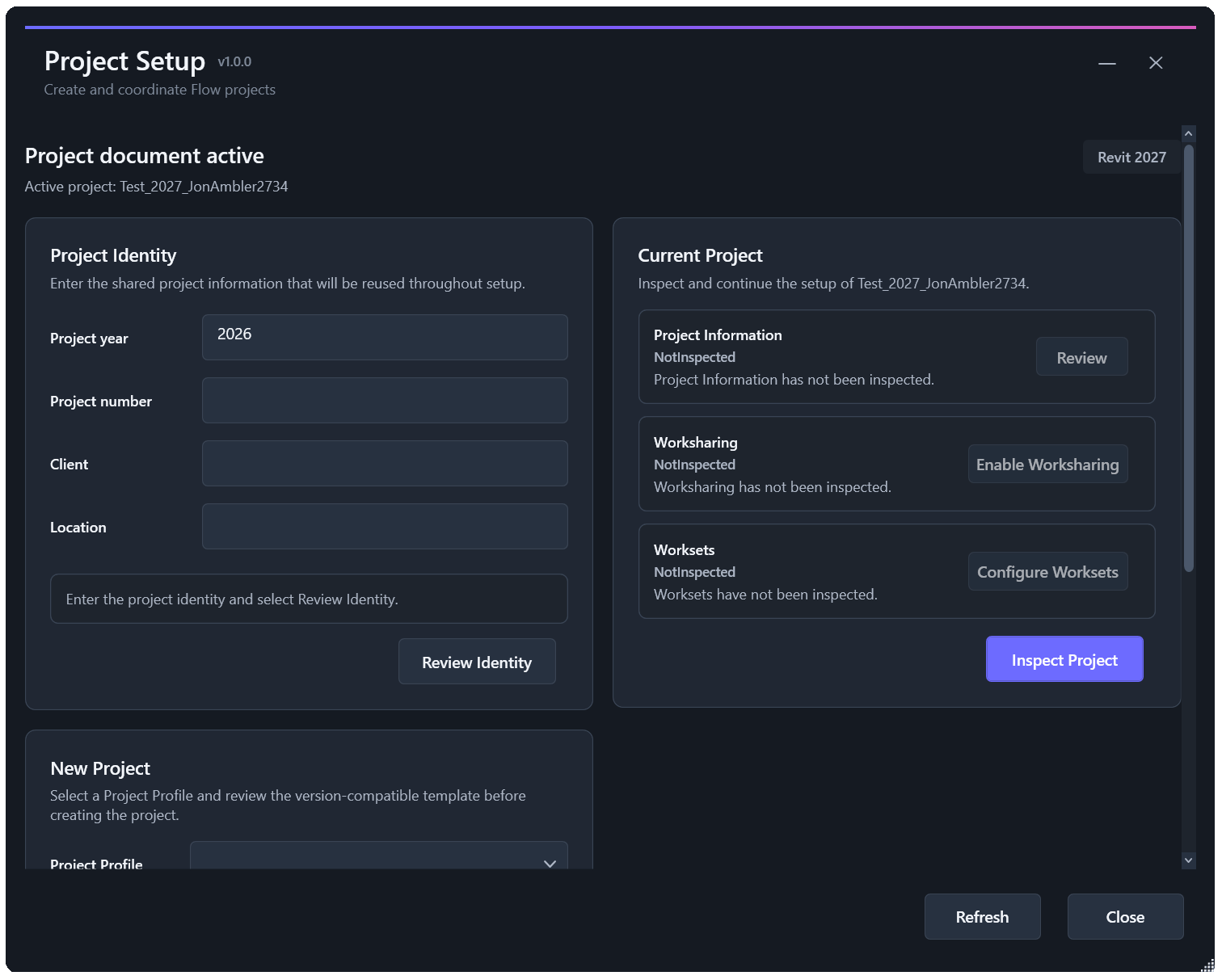
Create and configure Revit projects using consistent templates, project information, folders, worksets and standards.
Learn more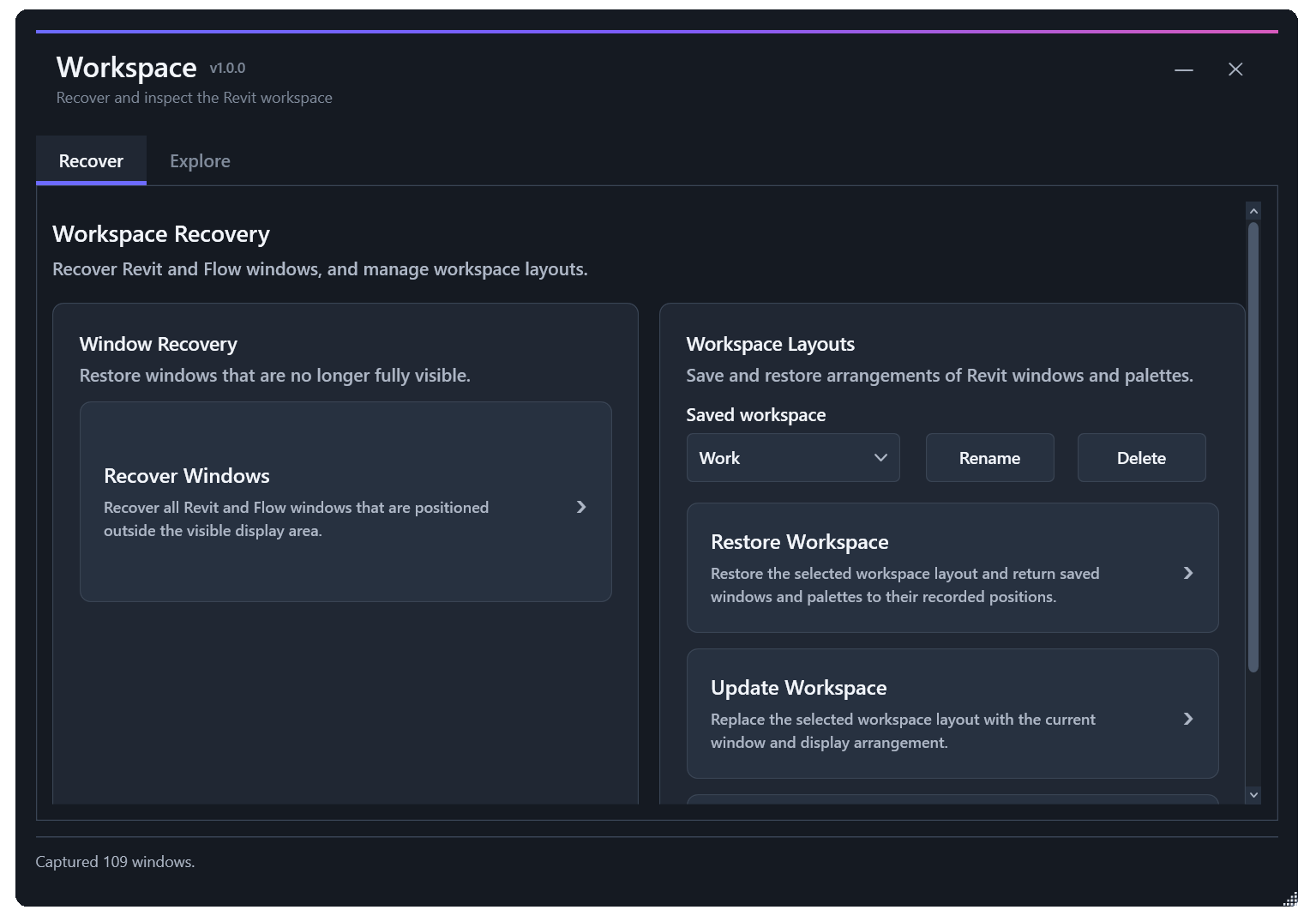
Save and restore Revit window arrangements and recover your workspace when windows become difficult to find.
Learn more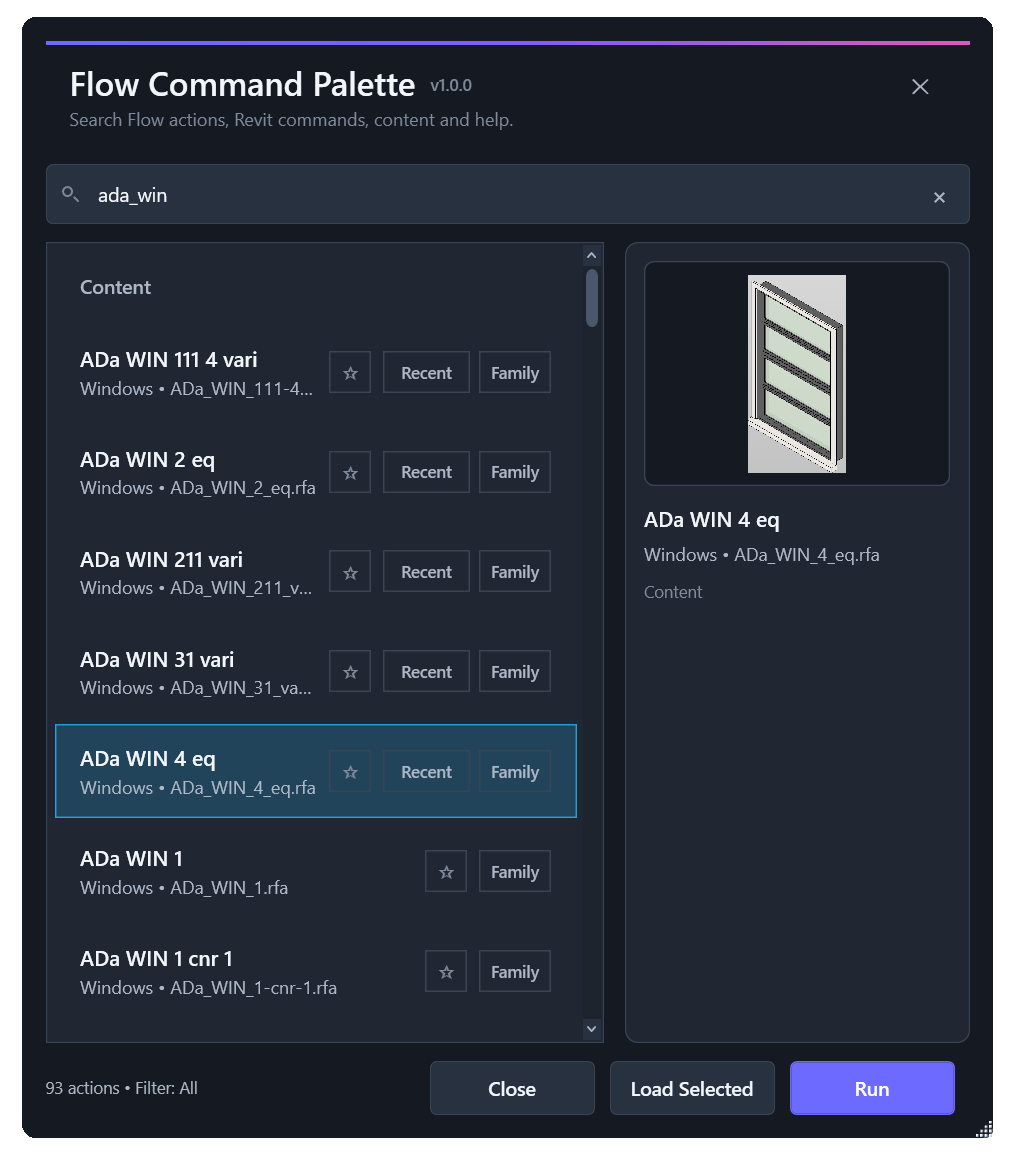
Find and launch Flow and Revit commands quickly without navigating through ribbon panels.
Learn more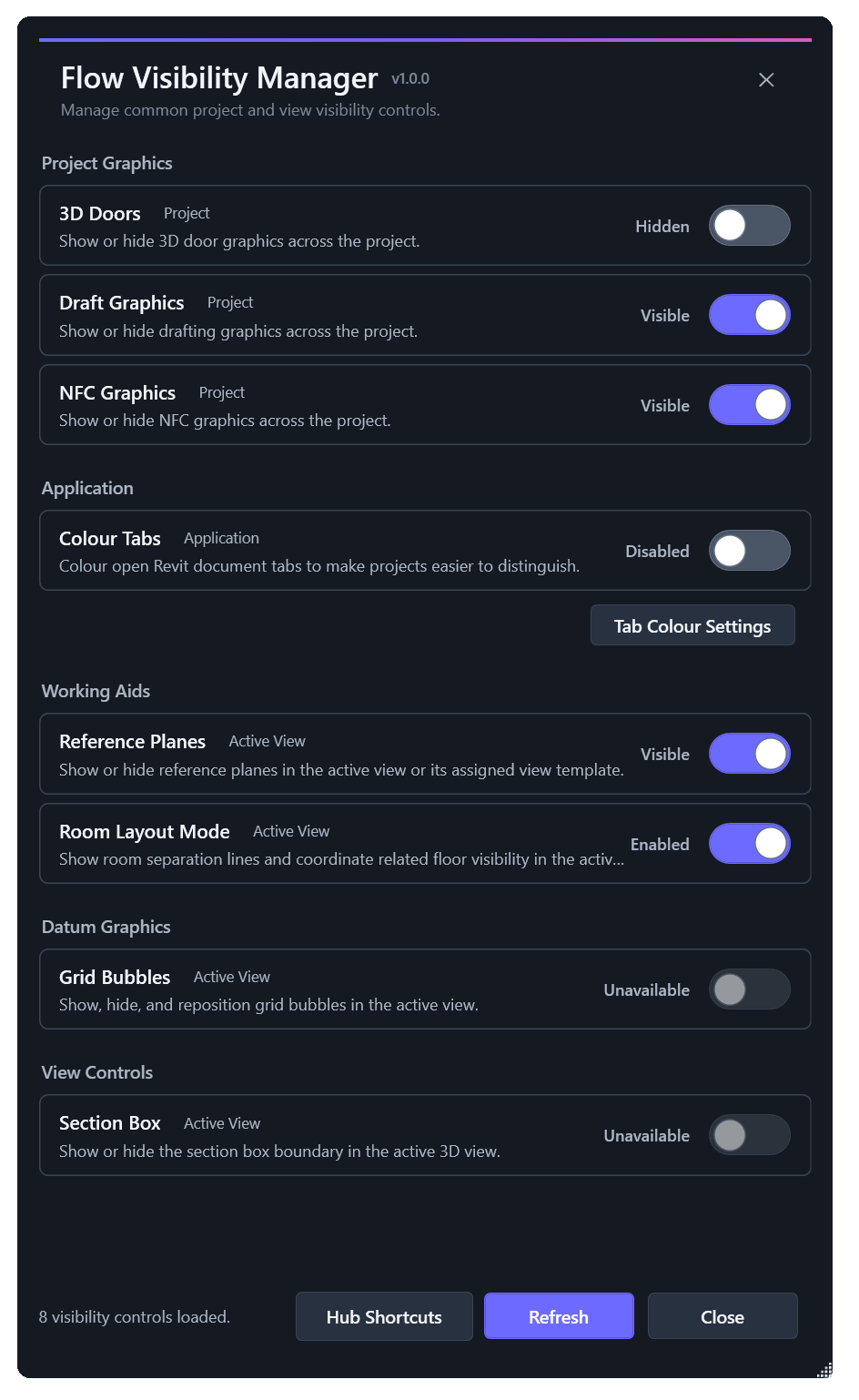
Bring commonly used project, active-view and application visibility controls together in one convenient location.
Learn more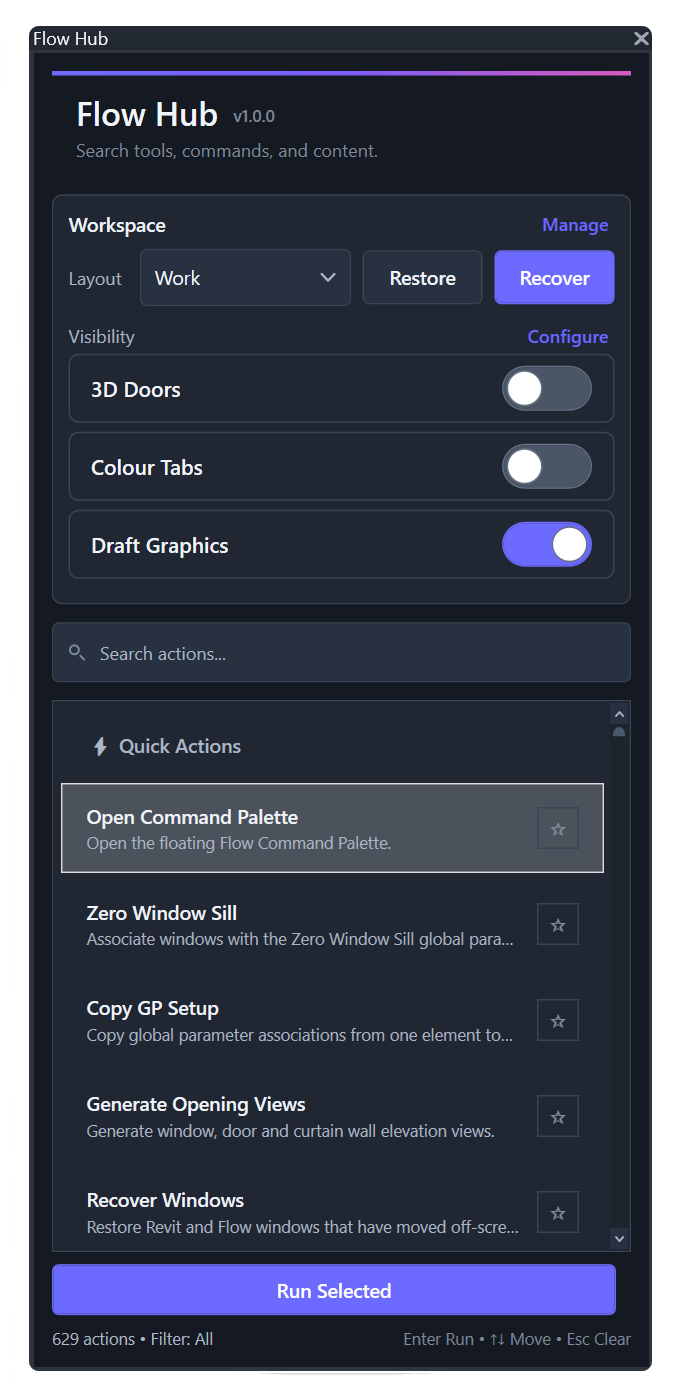
Access frequently used Flow tools, project controls, content and workspace functions from a central dockable interface.
Learn moreCONTENT & STANDARDS
Tools for finding, maintaining and preparing Revit content, type catalogues, drafting resources and supporting standards.
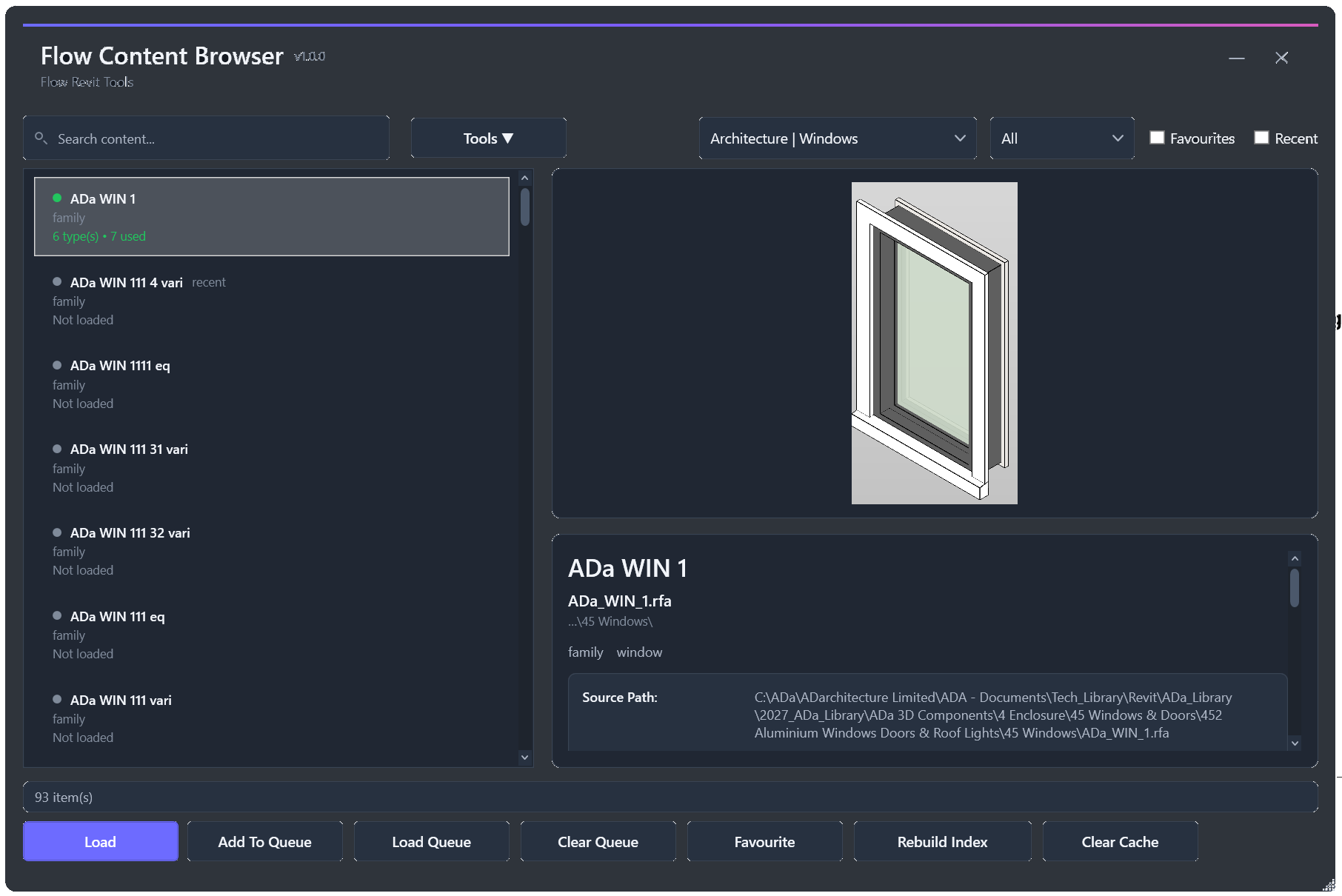
Find, review and load approved Revit families and drafting content from a central content library.
Learn more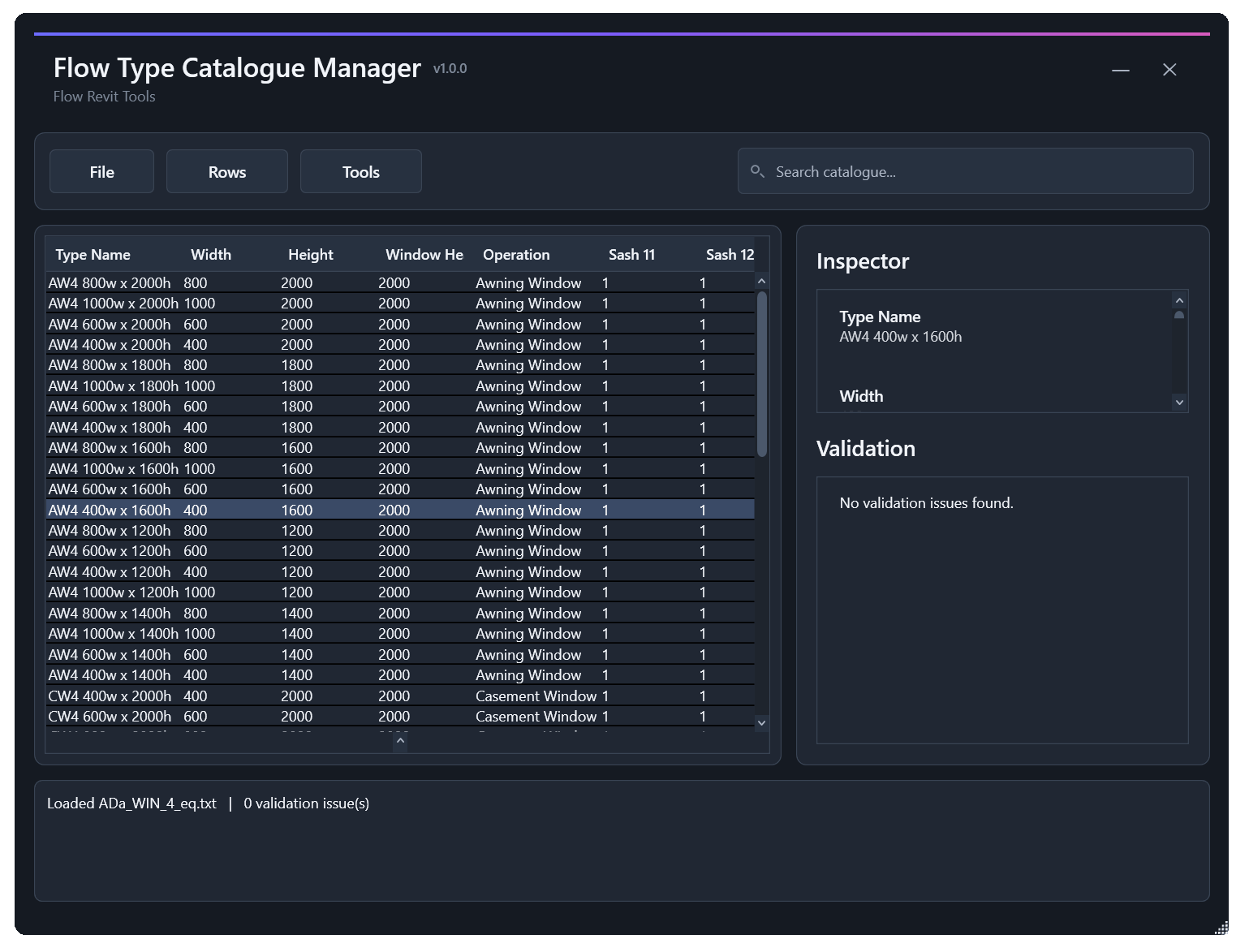
Create, edit, validate and maintain Revit family type catalogues using consistent parameter data.
Learn moreExtract reusable drafting views from selected Revit files and prepare them for use across projects and standard documentation workflows.
Learn moreBatch-generate consistent preview images for selected Revit families, making content easier to recognise and browse.
Learn moreUpgrade batches of Revit files to newer versions without manually opening, processing and saving each file individually.
Learn moreMODEL & DOCUMENTATION
Tools for coordinating model information, documentation, parameters, openings and other recurring production tasks.
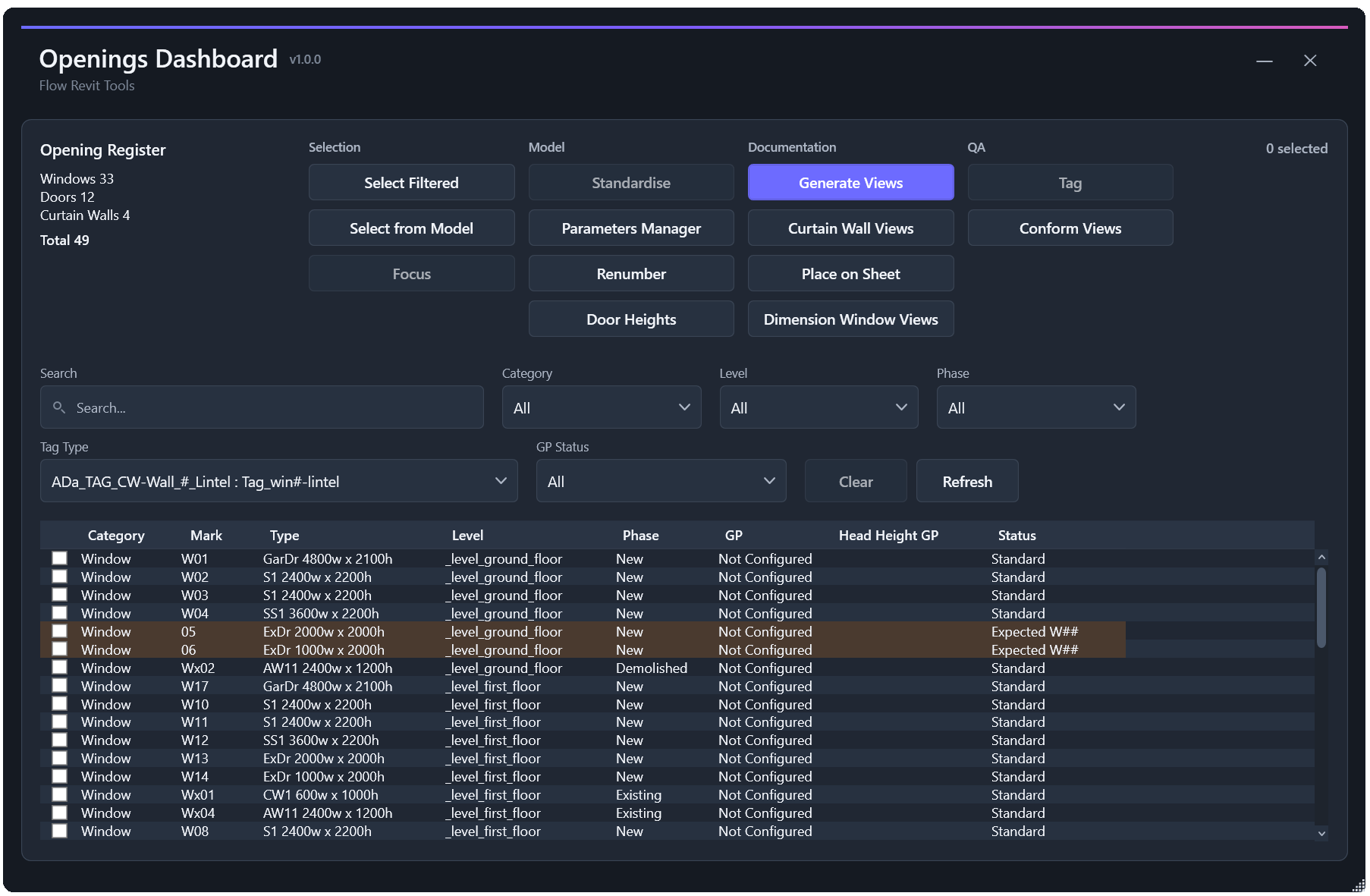
Review, standardise, number, tag and document doors, windows and other opening-related project information.
Learn more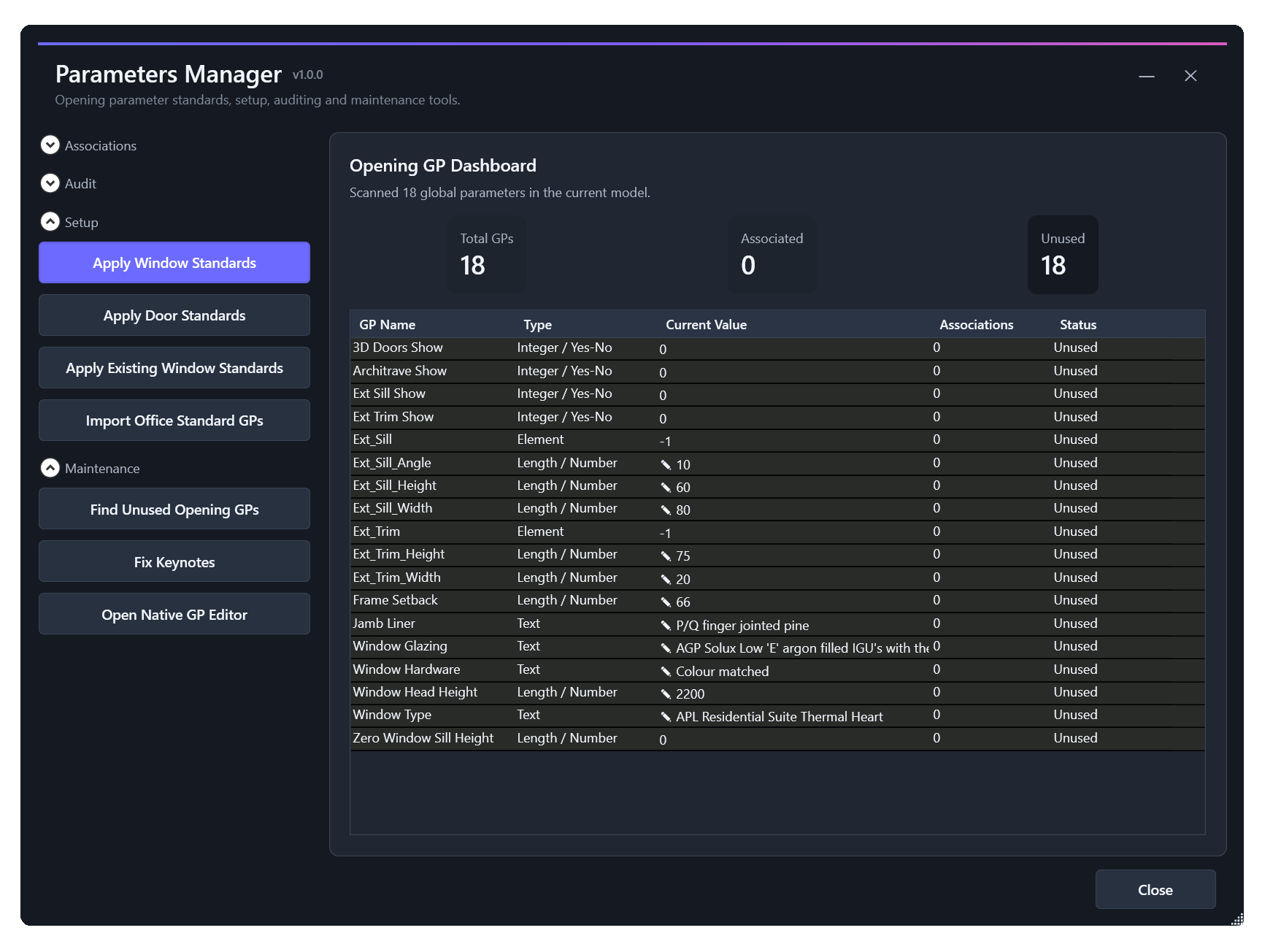
Review and maintain global, project and family parameter workflows across Revit projects and content.
Learn more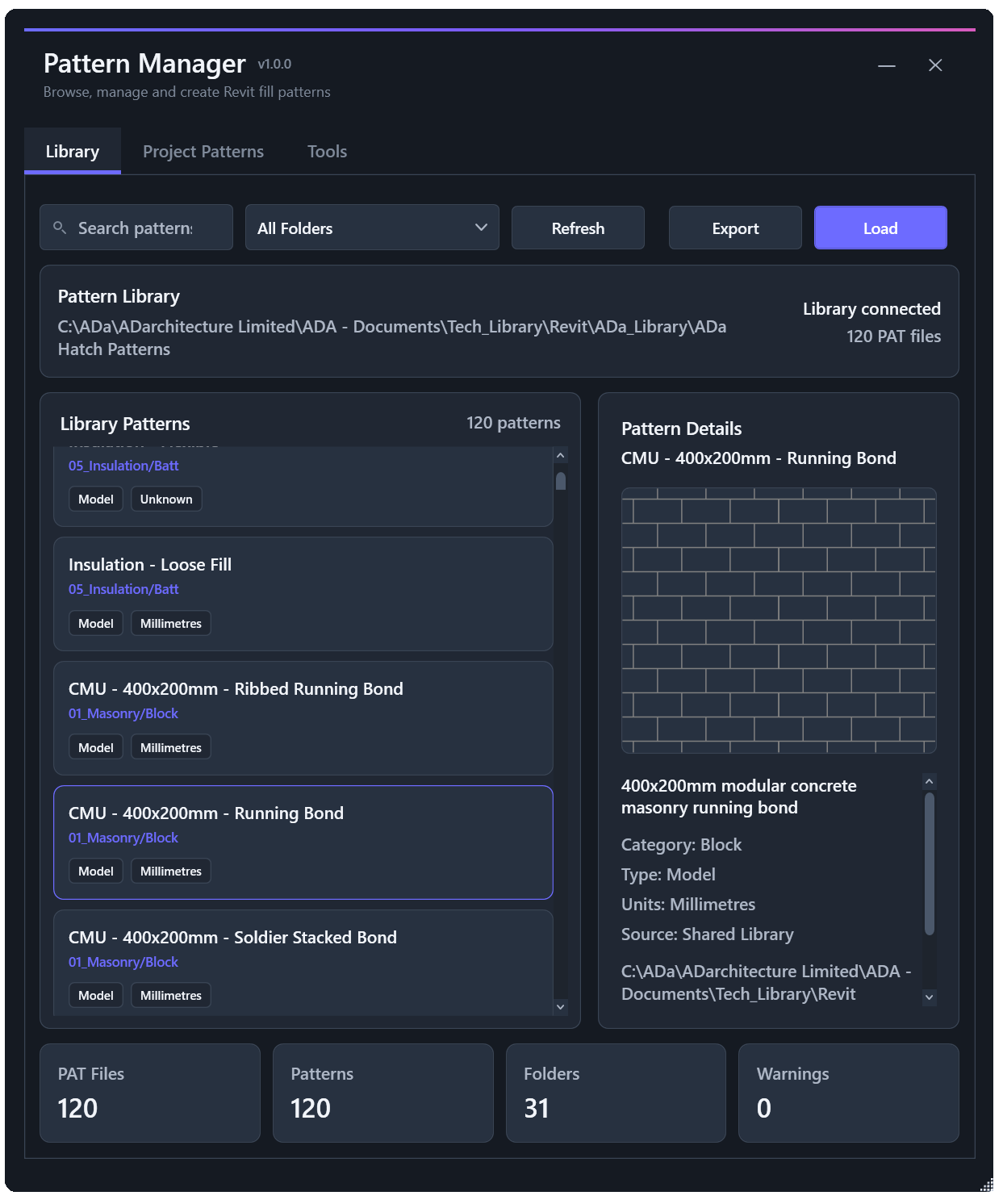
Browse, create, edit and standardise Revit fill patterns, including pattern generation from model geometry.
Learn more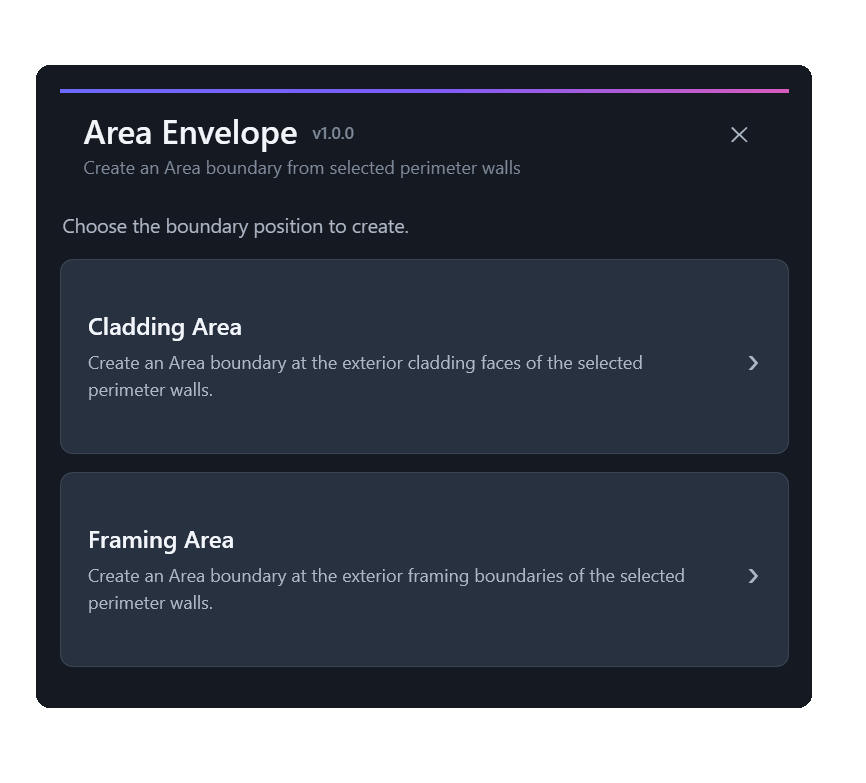
Create repeatable area-boundary workflows around framing and cladding geometry for project area calculations.
Learn more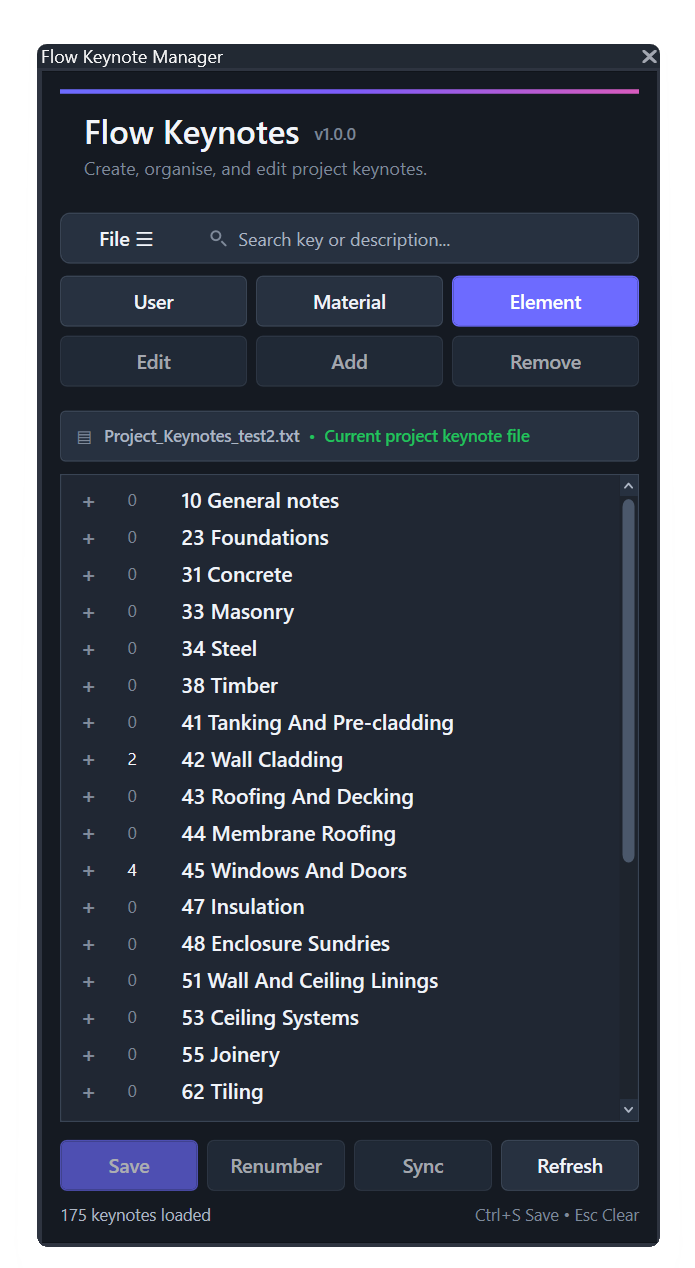
Manage project keynote information and support consistent keynote workflows across Revit projects.
Learn moreREVIEW & RISK
Tools for reviewing model quality, identifying project risks and turning complex information into clearer project decisions.
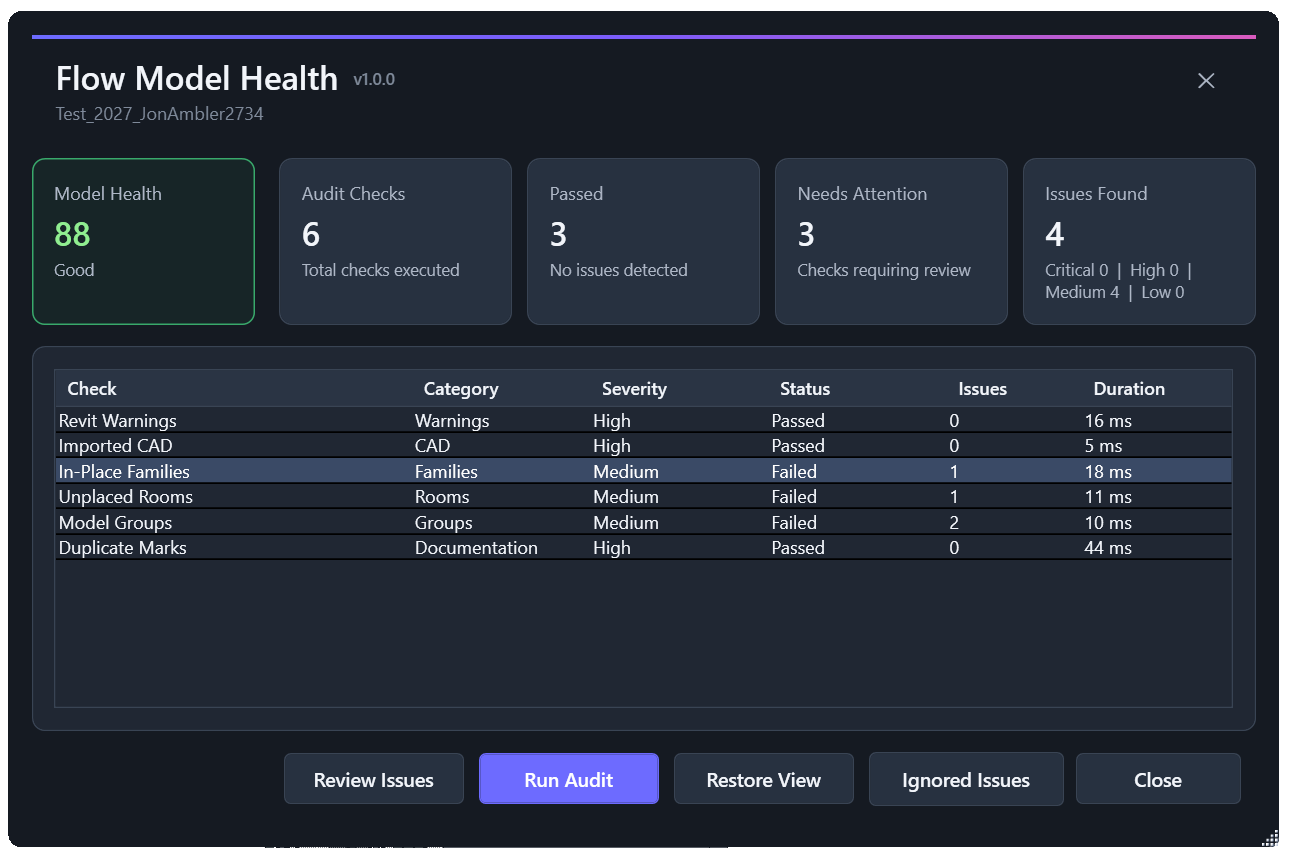
Run focused model-health checks, review project issues and identify areas that may need attention.
Learn more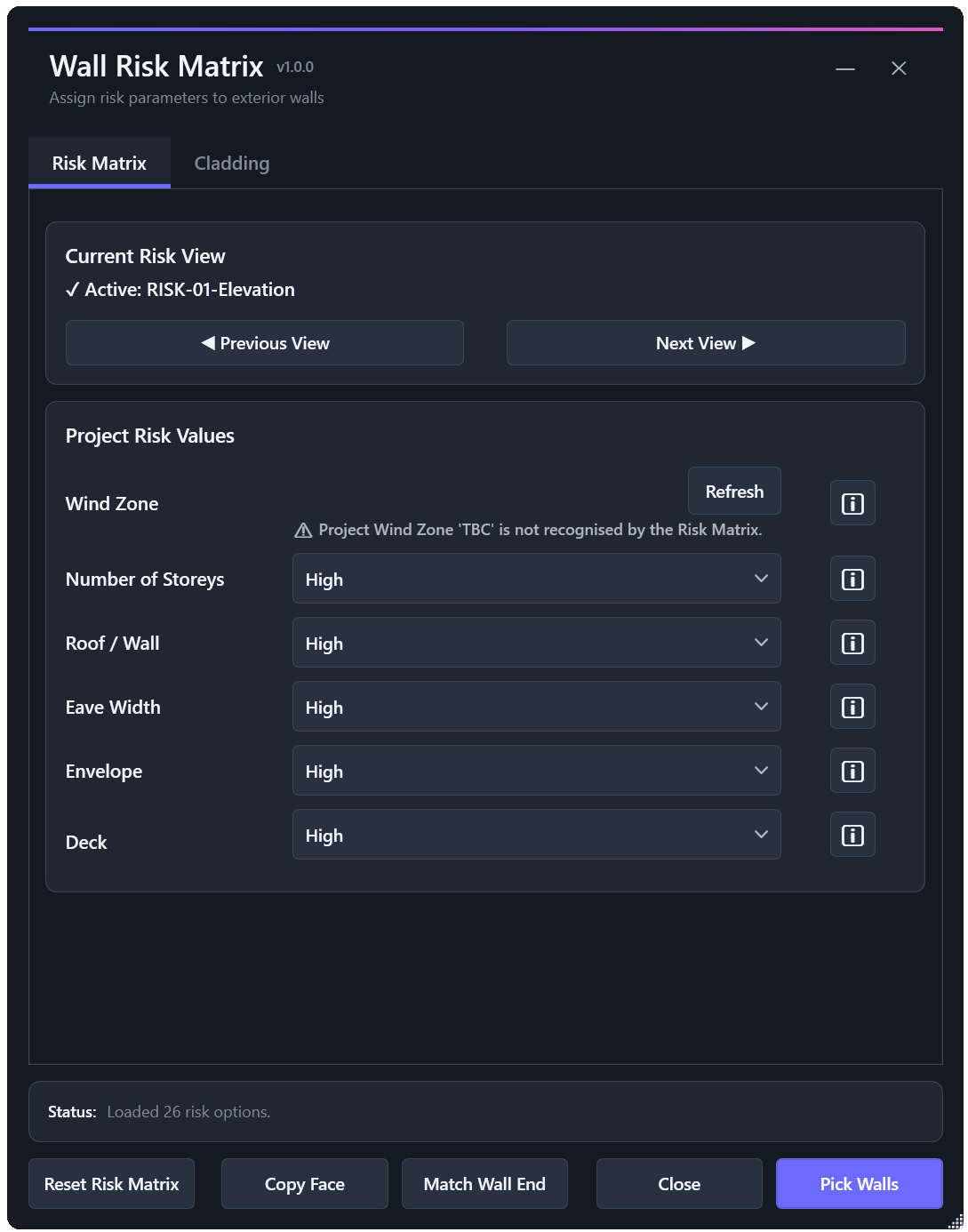
Identify exterior risk faces, assign E2 risk information and support consistent risk documentation within Revit.
Learn moreFLOW CONTINUES TO GROW
Flow continues to develop around practical architectural and Revit workflows. New tools and improvements are introduced where they can remove repetition, improve consistency or make everyday work easier to manage.
Explore Flow.Help