Most architectural practices have some form of Revit content library.
Usually, it begins as a reasonably straightforward folder structure: windows in one place, doors in another and annotations somewhere else.
Over time, more content is added, folders multiply and naming conventions evolve. Eventually, finding the right family starts to depend on knowing exactly what it is called, remembering where it was saved or asking the person who knows the library best.
The content exists. The problem is being able to find and use it efficiently.
This was the starting point for the Flow Content Browser.
The limitations of a folder-based library
A well-organised folder structure is still important, but Windows Explorer was never designed to function as a Revit content-management system.
It cannot tell you which families are already loaded into the current project. It does not provide a consistent way to filter content by its Revit purpose. Preview images can be limited or inconsistent, and finding something often relies on navigating through several layers of folders.
This becomes more difficult as a library grows.
Users may know what they need without knowing its exact family name. They might be looking for a particular type of window, annotation or detail component, but the distinction between how content is stored and how it is actually used can make that search unnecessarily difficult.
If finding approved content takes too long, people naturally begin using workarounds. They copy families from previous projects, load the first suitable option they find or create another variation.
That may solve the immediate problem, but it gradually creates duplicated, inconsistent and difficult-to-manage project content.
What about Autodesk Content Catalog?
Autodesk has also recognised the wider problem of managing BIM content and has introduced Autodesk Content Catalog.
It is a capable cloud-based platform for centralising, searching, organising and distributing digital assets. Practices can create their own collections, manage approved content and make that content available across teams.
That is an important step forward from relying entirely on folders, and it may be the right solution for many organisations.
Flow Content Browser approaches the problem from a different direction.
It began with our existing practice library and the way that content is actually used during day-to-day work in Revit. Its classifications, previews and actions are built around established practice conventions rather than requiring the library to be moved into a separate content platform.
Because it operates within Revit, it can also respond to the active project. It can distinguish between library content and content already loaded into the model, support project-specific actions, and provide direct access to the wider utilities used to maintain and work with that content.
The distinction is not simply between a generic library and a customised one.
It is between managing digital assets as a broad organisational resource and embedding practice-specific content decisions directly into the Revit workflow.
For Flow, the objective has always been the latter: make the practice library easier to access while connecting it to the tools, standards and project processes that surround it.
Making the library easier to understand
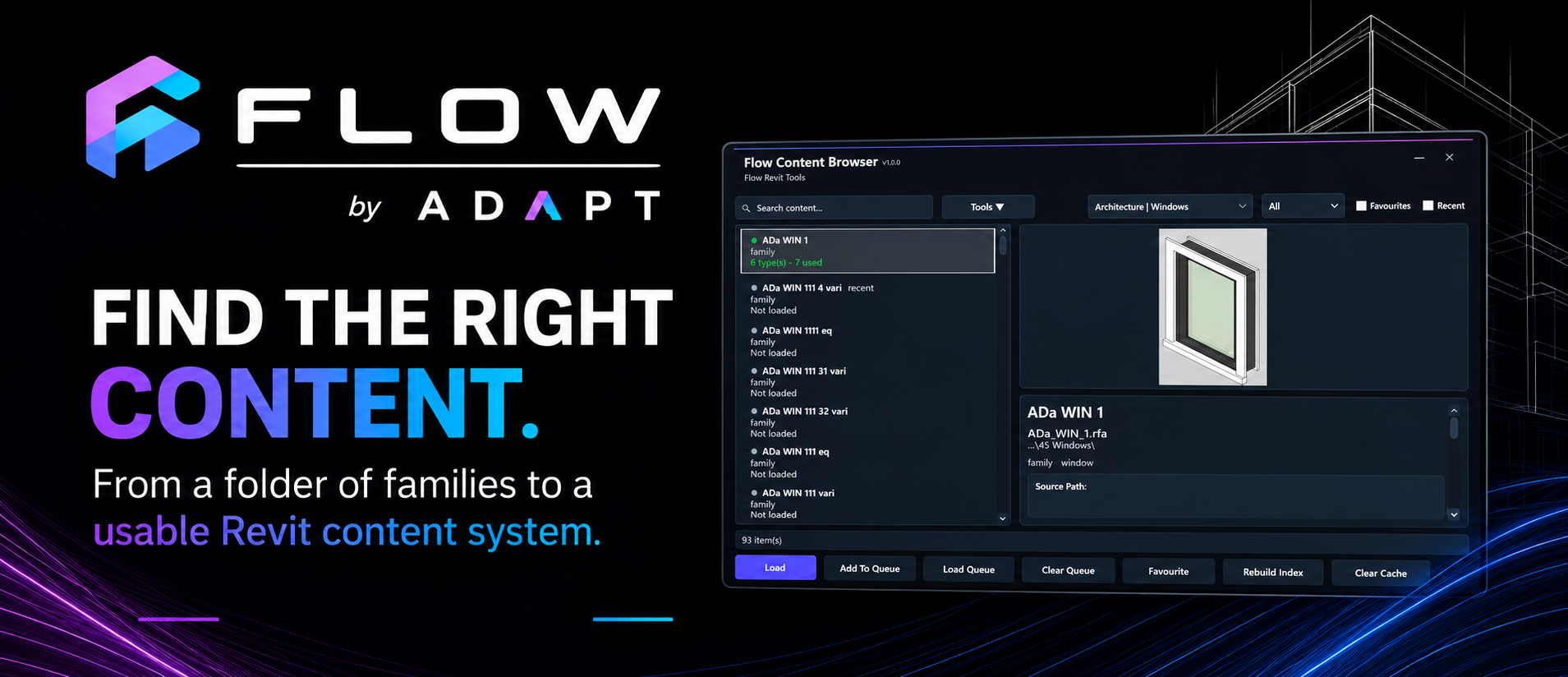
The Flow Content Browser was developed to provide a more usable layer over the existing Revit library.
Rather than replacing the underlying folder structure, it indexes the available content and presents it through an interface designed around the way Revit users look for families.
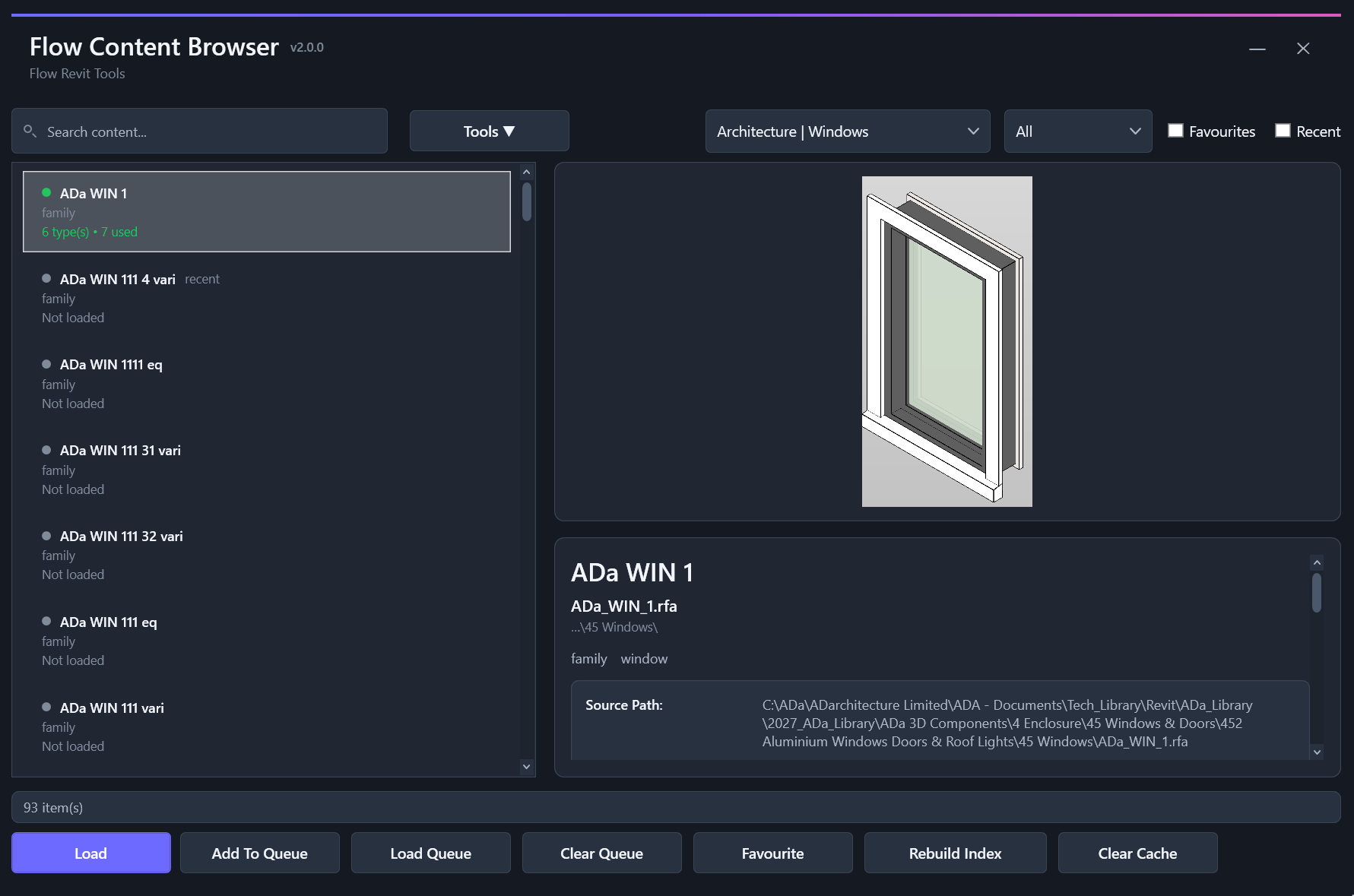
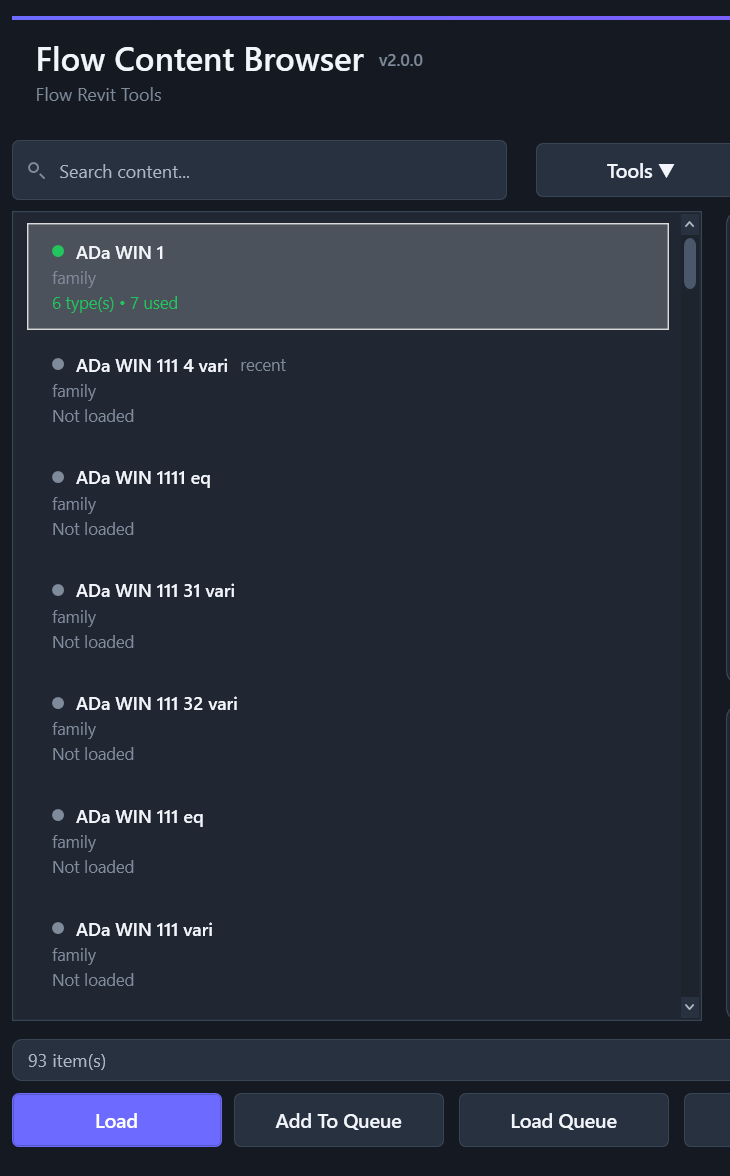
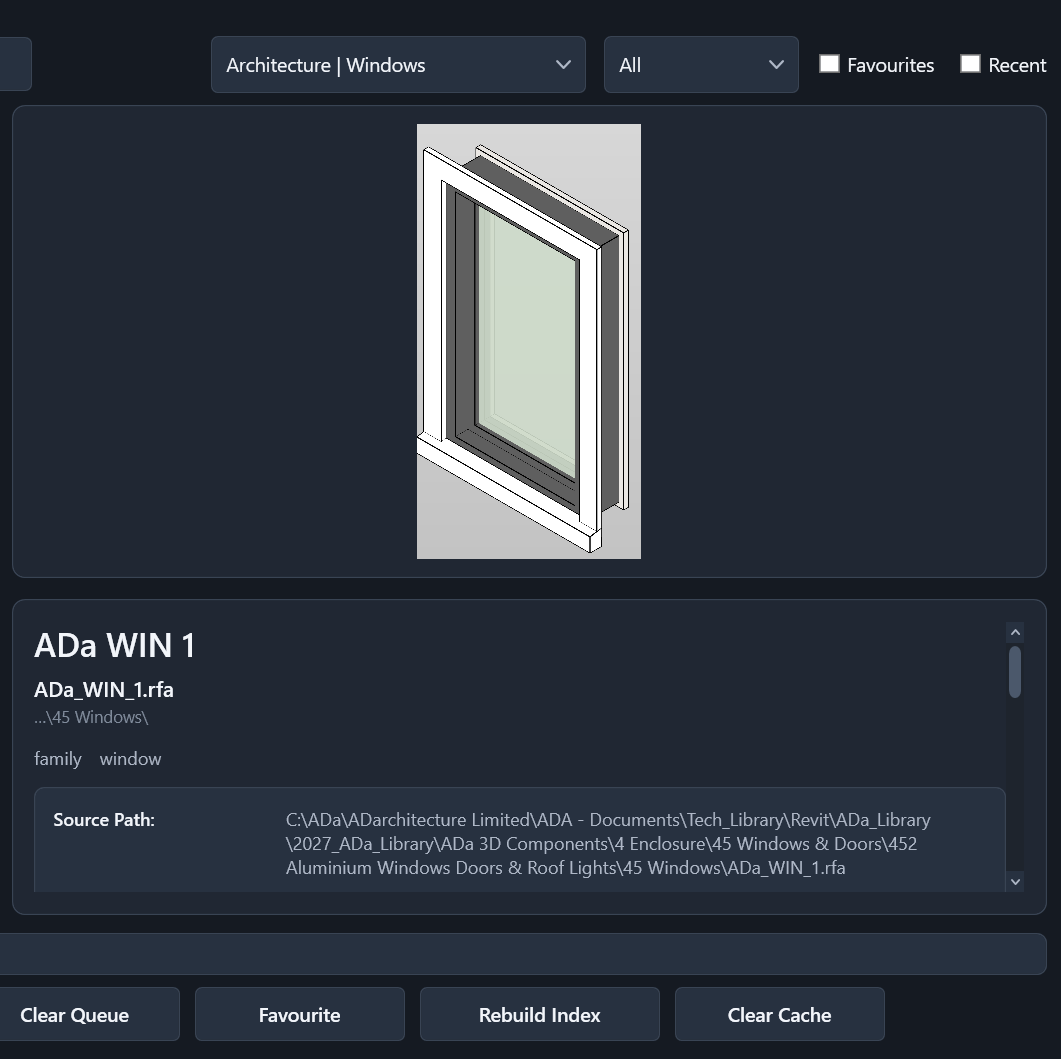
Content can be searched and filtered, with family information and previews displayed before anything is loaded. Frequently used items can be marked as favourites, recently accessed content is easier to return to, and several families can be assembled into a loading queue rather than located and loaded individually.
The browser also distinguishes between content that is available in the library and content already present in the active project.
None of these features is especially dramatic in isolation. Their value comes from reducing the small interruptions that occur repeatedly throughout a working day.
The aim is to make the correct content easier to find than the workaround.
Better access supports better standards
Content management is not only about speed.
A practice library contains accumulated decisions about naming, modelling, parameters, documentation and graphic presentation. If that content is difficult to access, those standards are difficult to apply consistently.
Making approved content easier to find increases the likelihood that it will actually be used. It reduces unnecessary duplication and makes the library less dependent on the knowledge of a few experienced team members.
It also makes the library itself easier to understand. Search results, classification and previews provide context that a filename alone often cannot.
This reflects a broader principle behind Flow:
Good standards should be supported by the tools people use, rather than relying entirely on instructions and memory.
More than browsing and loading
Finding and loading content is the most visible part of the Content Browser, but it is not the whole tool.
The browser also provides access to a growing collection of utilities for working with both library and project content.
These include tools for cleaning family files and removing unnecessary backup files, copying an existing library folder structure, working with type catalogues, and carrying out sheet and drafting-view tasks. Selected families can also be reloaded from the library, while unused types can be removed without leaving the browser.
Individually, these tools address quite different tasks. What connects them is that they all sit around the same broader content workflow.
Instead of expecting users to remember where a separate command or script is located, the relevant tools are available from the place where the content is already being found and reviewed.
The Content Browser is intended to become a working centre for Revit content—not simply another way to navigate folders.
Part of a connected content workflow
The Content Browser began as a response to a specific problem, but it has gradually become part of something wider.
It now works alongside Flow tools for generating consistent family previews, managing type catalogues and upgrading Revit content between versions. Together, these begin to connect the different stages of creating, maintaining, finding, reviewing and using content.
That is also how Flow itself has developed.
Individual tools usually begin with a small point of friction encountered during real project work. As those tools mature, the connections between them become just as important as the individual functions.
The objective is not to automate every decision or build software for its own sake. It is to remove unnecessary friction, make practice knowledge easier to apply and allow more attention to remain on the work that actually requires judgement.
A content library should be more than a collection of files.
It should be a usable resource that helps people find the right content, understand what they are selecting and work more consistently across every project.
Want to explore the workflow in more detail?